“I created Anya Tennis so you can watch your tennis match without all the dead time. Anya means eye in Igbo — the Nigerian language my family speaks. I want you to be able to see the match and your game easily. The process is simple: you record your match, load it in the software, and it outputs the active match play. The inner workings are over a year of neural network and ML development, pioneered by me — tennis coach, biomechanics expert, and AI-forward developer.”
Your match, with the dead time taken out.
A 90-minute match holds about 30 minutes of tennis. Anya Tennis finds every rally and cuts out the rest, on your own computer, with the video never leaving it.
HOW IT WORKS
STEP 1
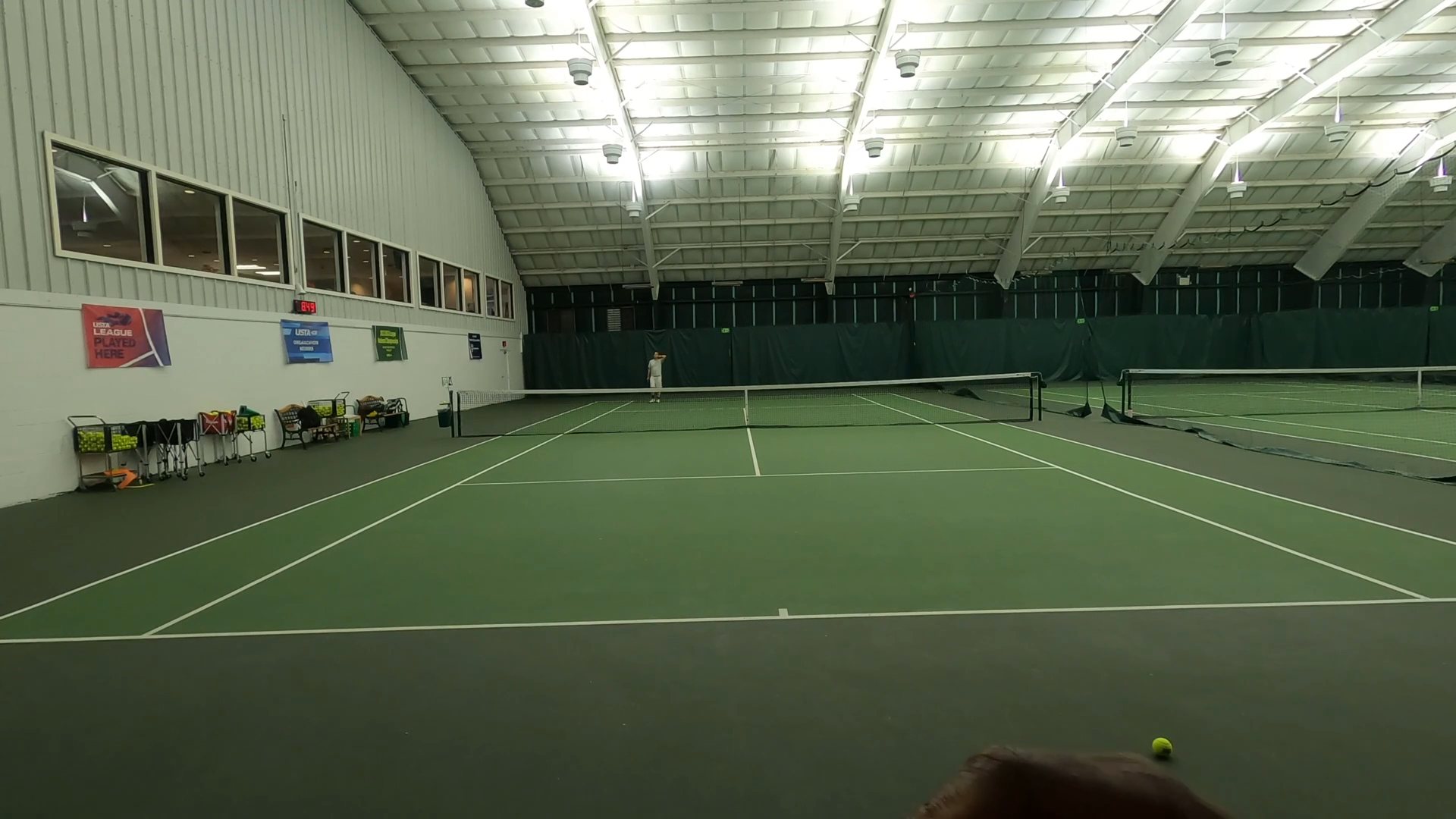
Record your match
One camera behind a baseline — a phone on the fence or a GoPro on a tripod — high enough that the whole court stays in frame.
STEP 2
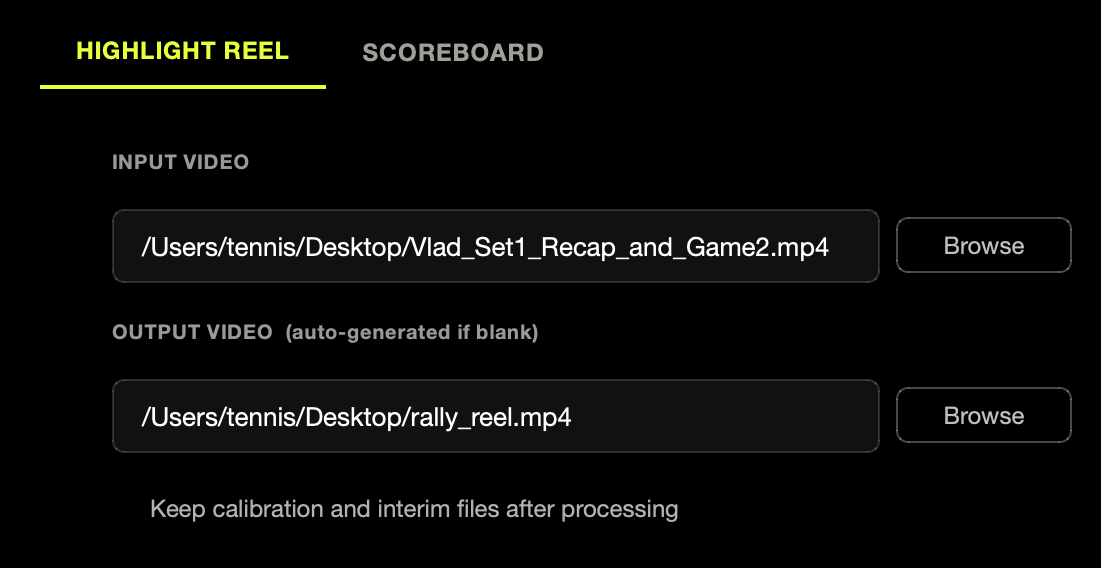
Load the video
Open the Highlight Reel tab and browse to your match. Split camera chapters are joined into one video automatically.
STEP 3
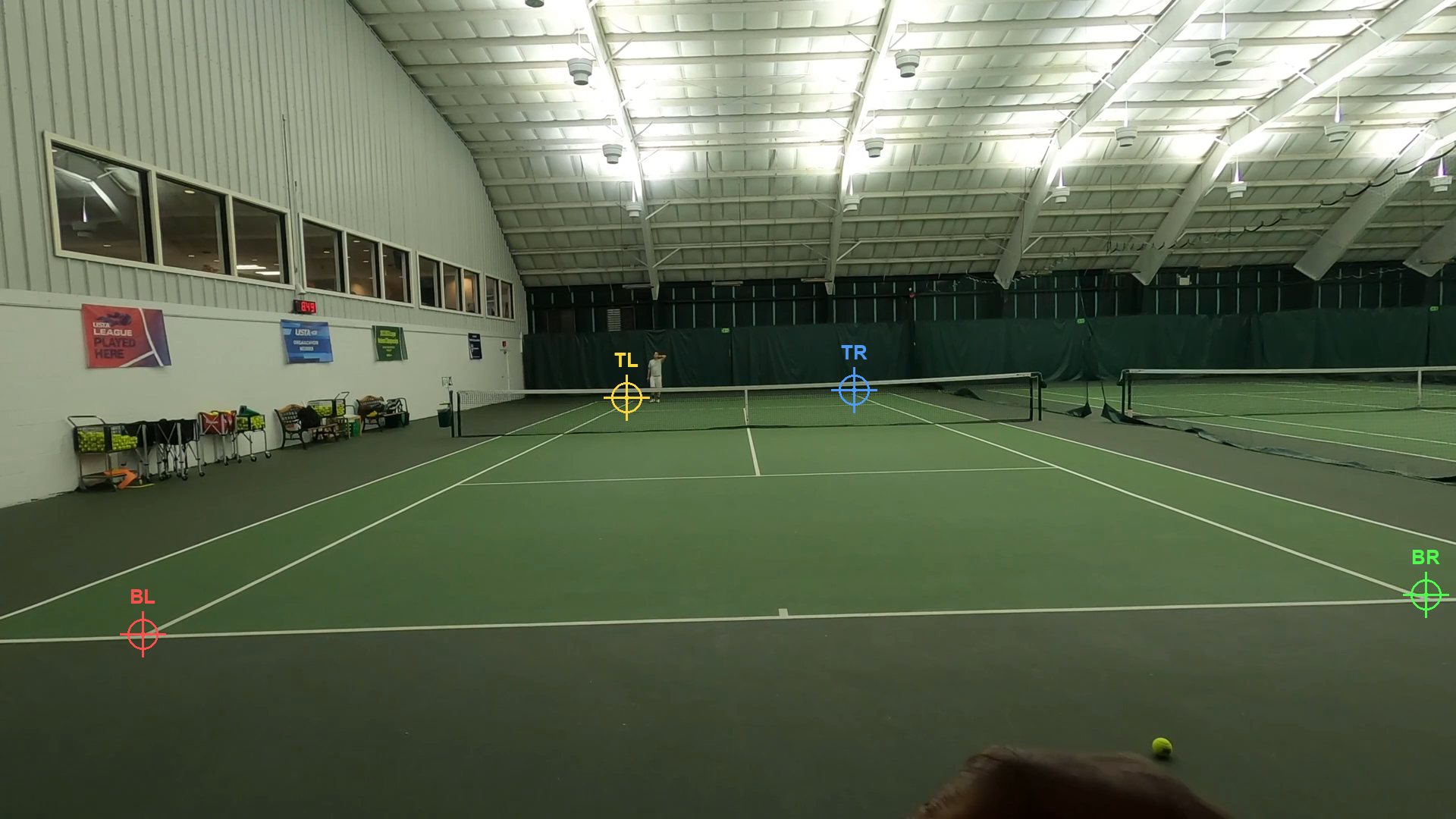
Click the four corners
Ten seconds, once per match — the only thing you ever do by hand. It's remembered, so re-runs never ask again.
STEP 4
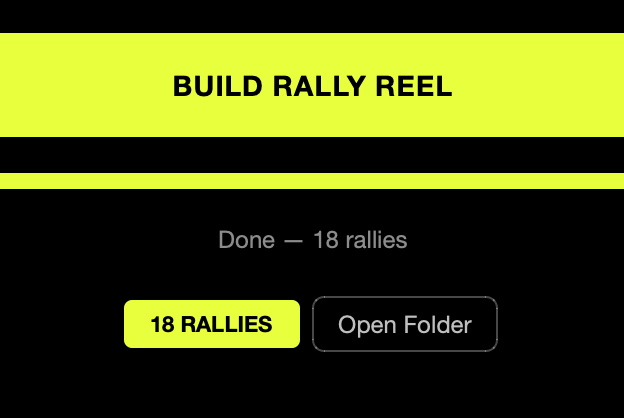
Build the rally reel
Press BUILD RALLY REEL and walk away. When it's done, Open Folder takes you to a video of just the rallies.
OPTIONAL
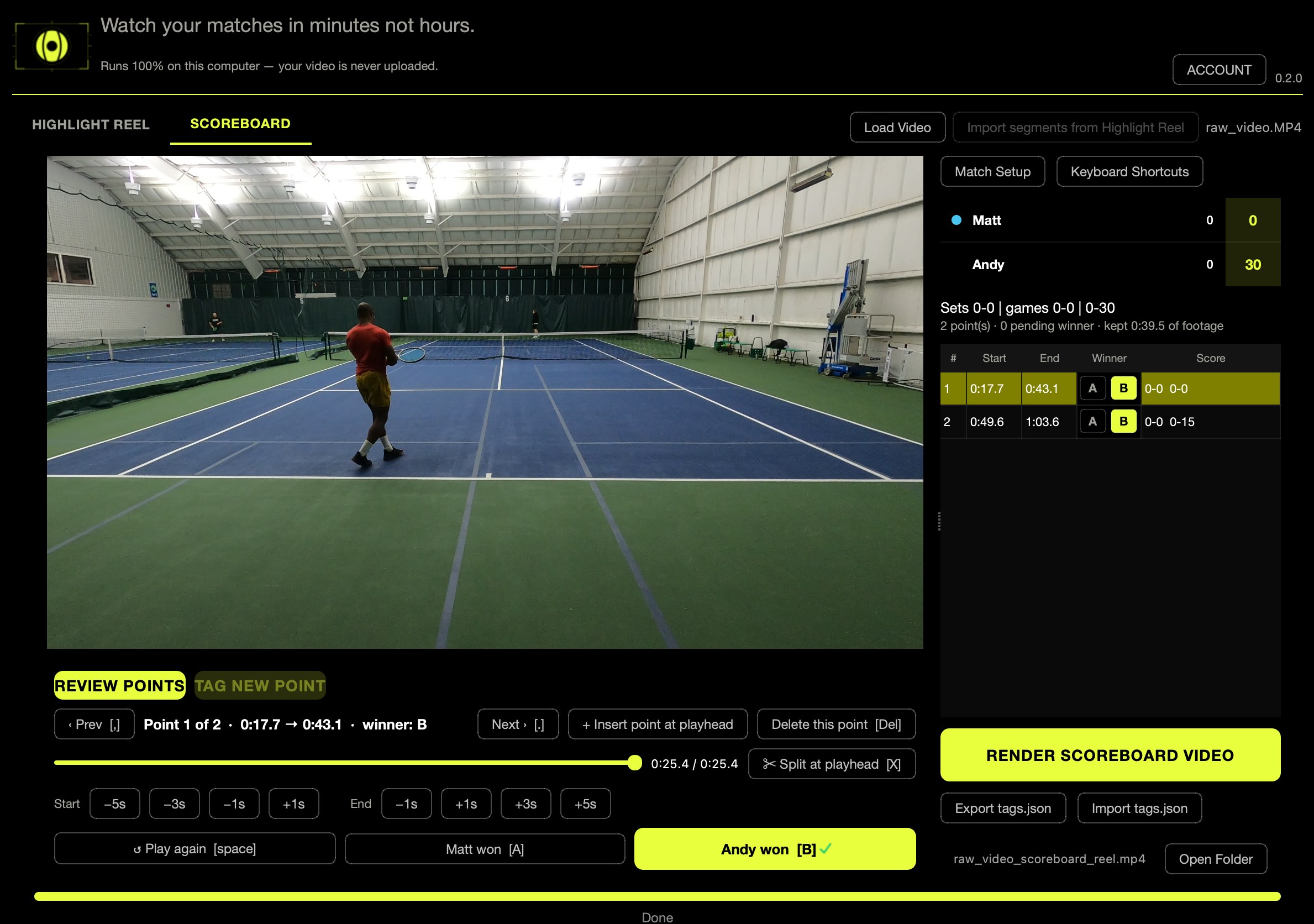
Add the score
In the Scoreboard tab, tap S when a point starts and A or B for who won it. Render a reel with the score in the corner, like a broadcast.
TRY IT ON YOUR OWN MATCH
macOS 11+ and 64-bit Windows 10 and 11. Nothing about your match leaves your computer — see the privacy policy. Cancel within 14 days for a full refund.